
 Tiếng Việt

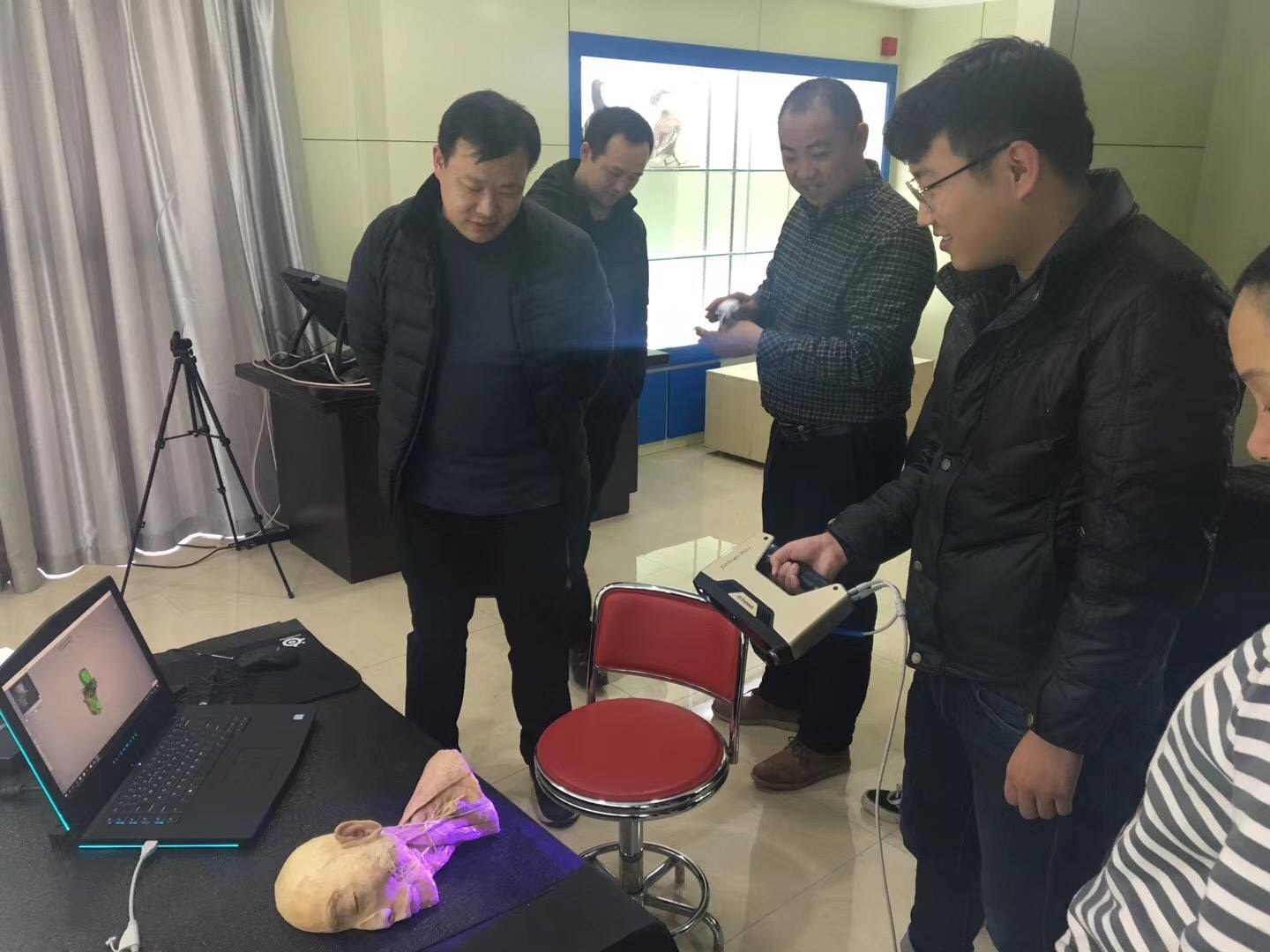
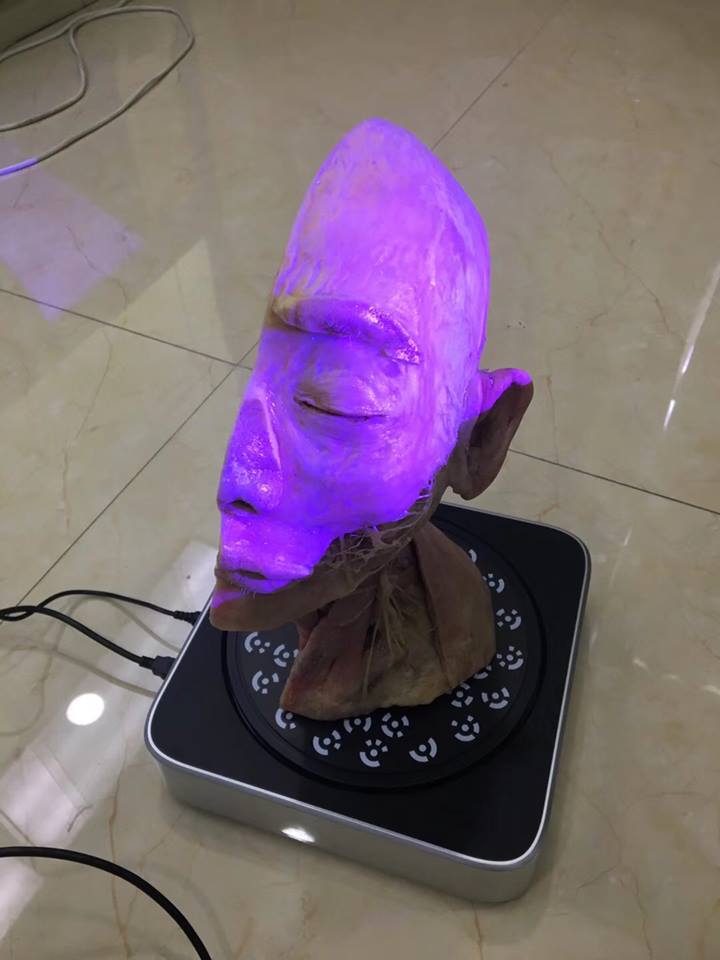
Einscan 3D scanners come in many models: Einscan SE, Einscan SP, Einscan Pro and Einscan Pro Plus. Each line also has several scan modes: color or no color; handheld or tripod; laser or structured light; manual or automatic…
Links:
| Industrial 3D scanners. | Industrial 3D printers. |
| 3D scanners for woodworking. | Desktop 3D printers. |
| Machines for jewelry. | Affordable 3D printers |
| Dental scanners | FDM 3D printers |
| 3D scanners for sculpture | SLA 3D printers |
| Handheld 3D scanners | Wax 3D printers |
| Automatic 3D scanners | Metal 3D printers |
| Citi 3D scanners | Dental 3D printers |
| Roland CNC machine | CMM measuring machine |
| Affordable 3D scanner | Color 3D scanner |
Contact CT3D Group
CT3D Group – Professional 3D printing, 3D scanning, design and rapid prototyping services nationwide.
- CT3D Thu Duc – Ho Chi Minh City, Hanoi, Hai Phong: in3d.edu.vn – Hotline 0975 008 728 (Mr. Thai)
- CT3D District 6 – Ho Chi Minh City: 3dmaker.vn – Hotline 038 7798308 (Mr. Phuc)
3D scanners in medical education
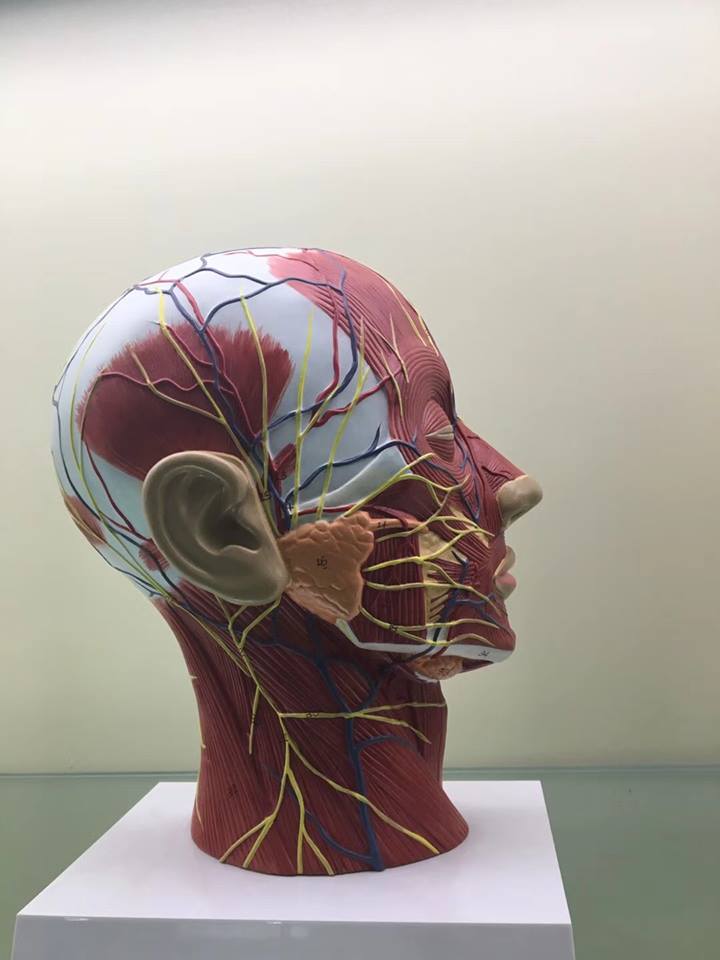
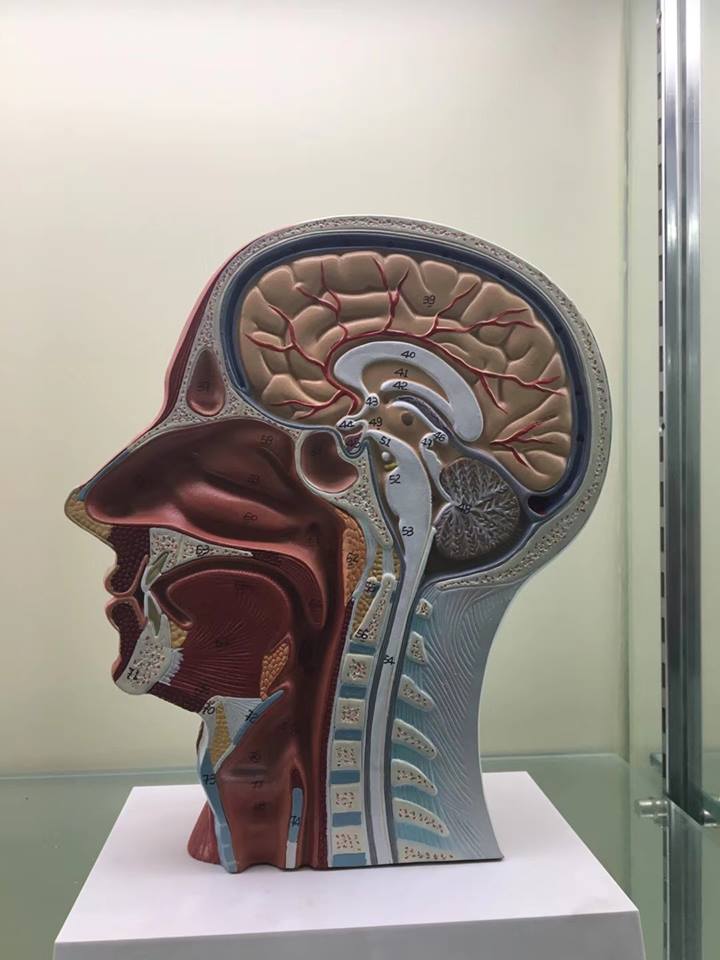
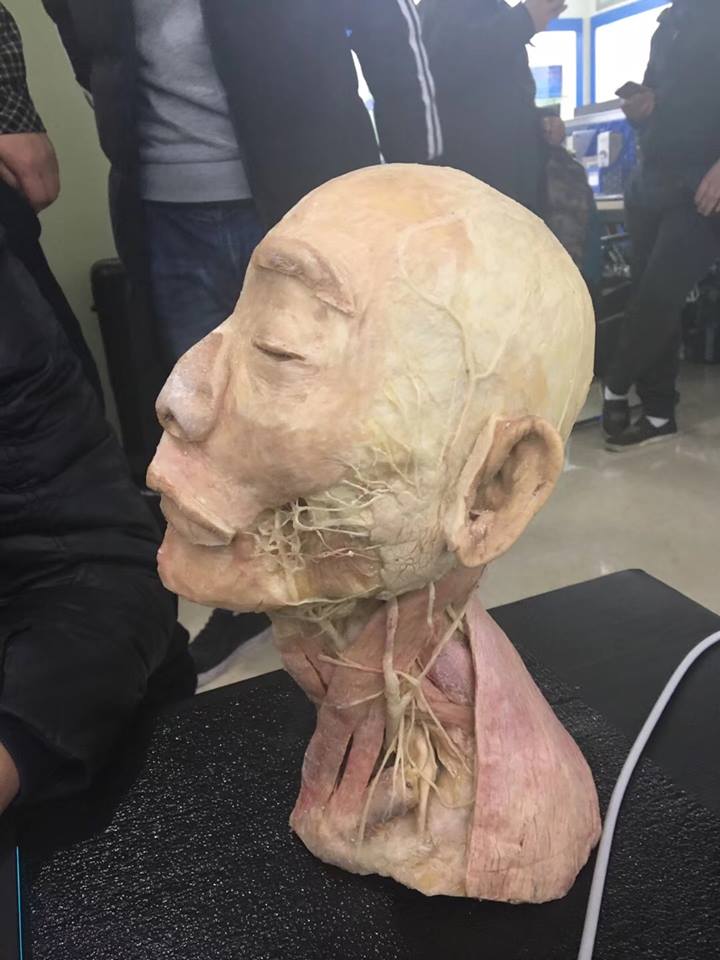
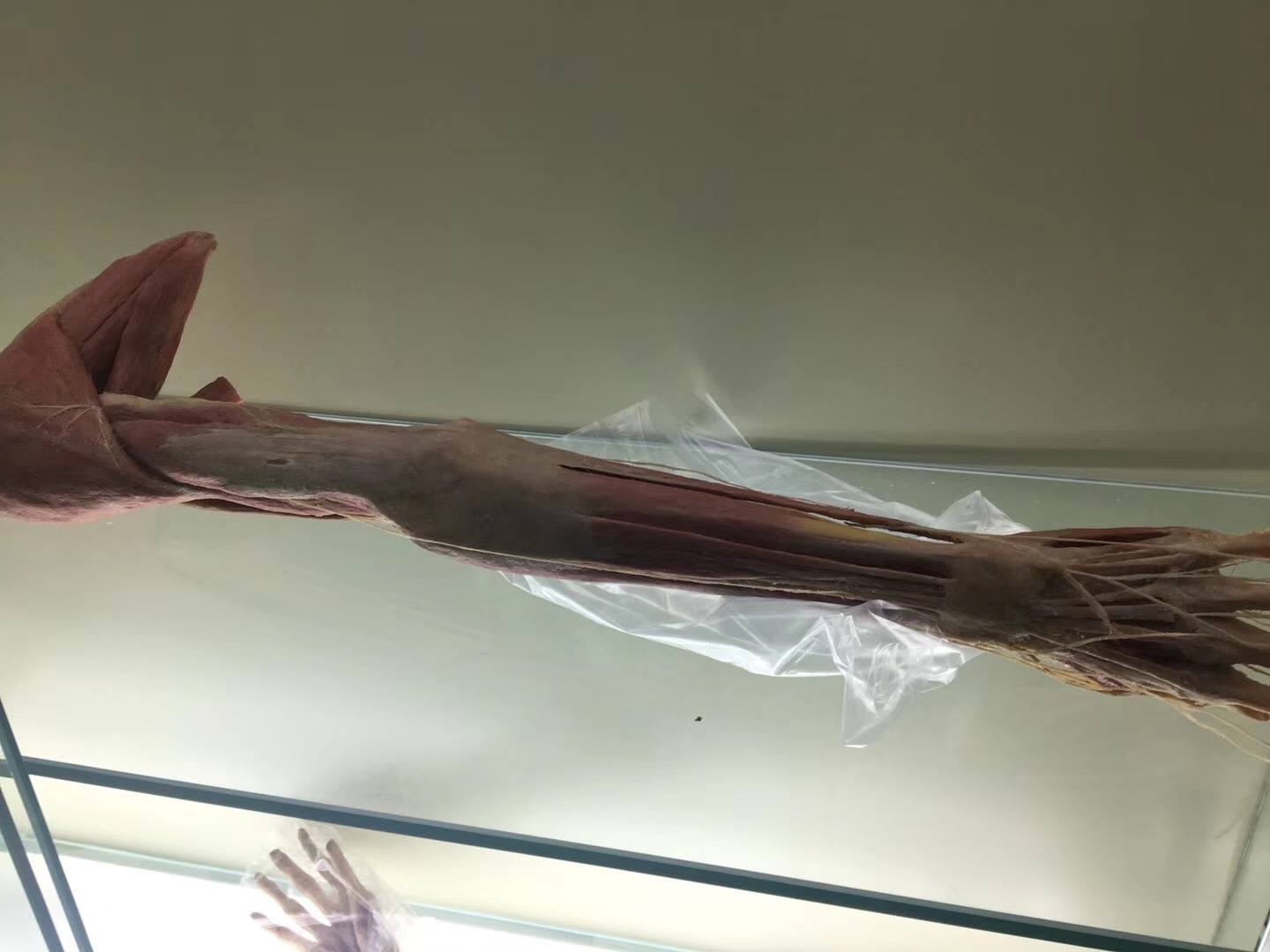
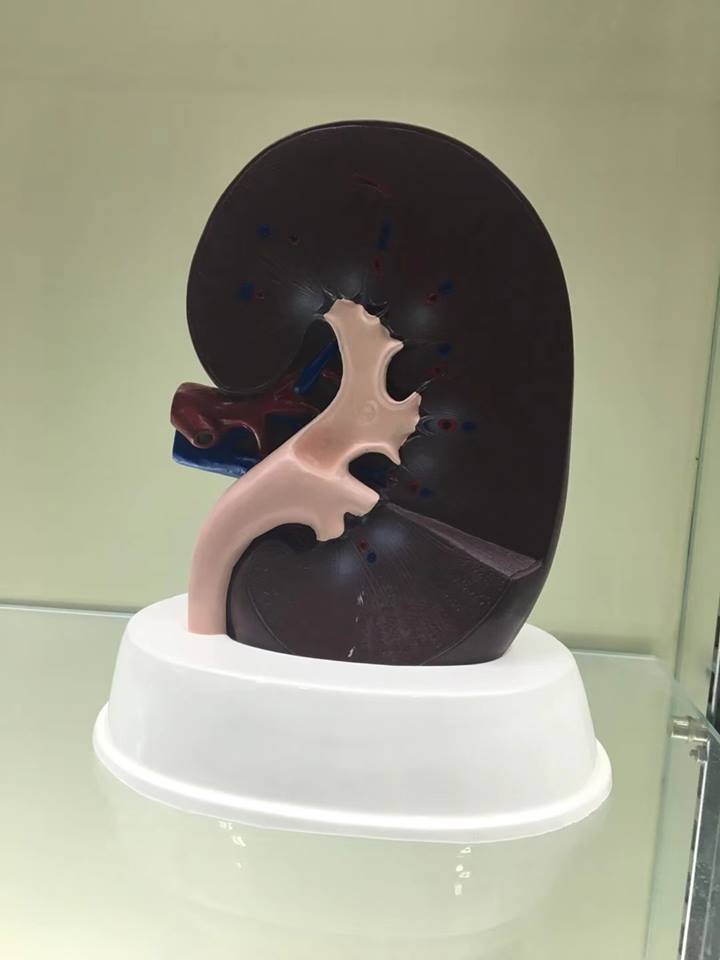
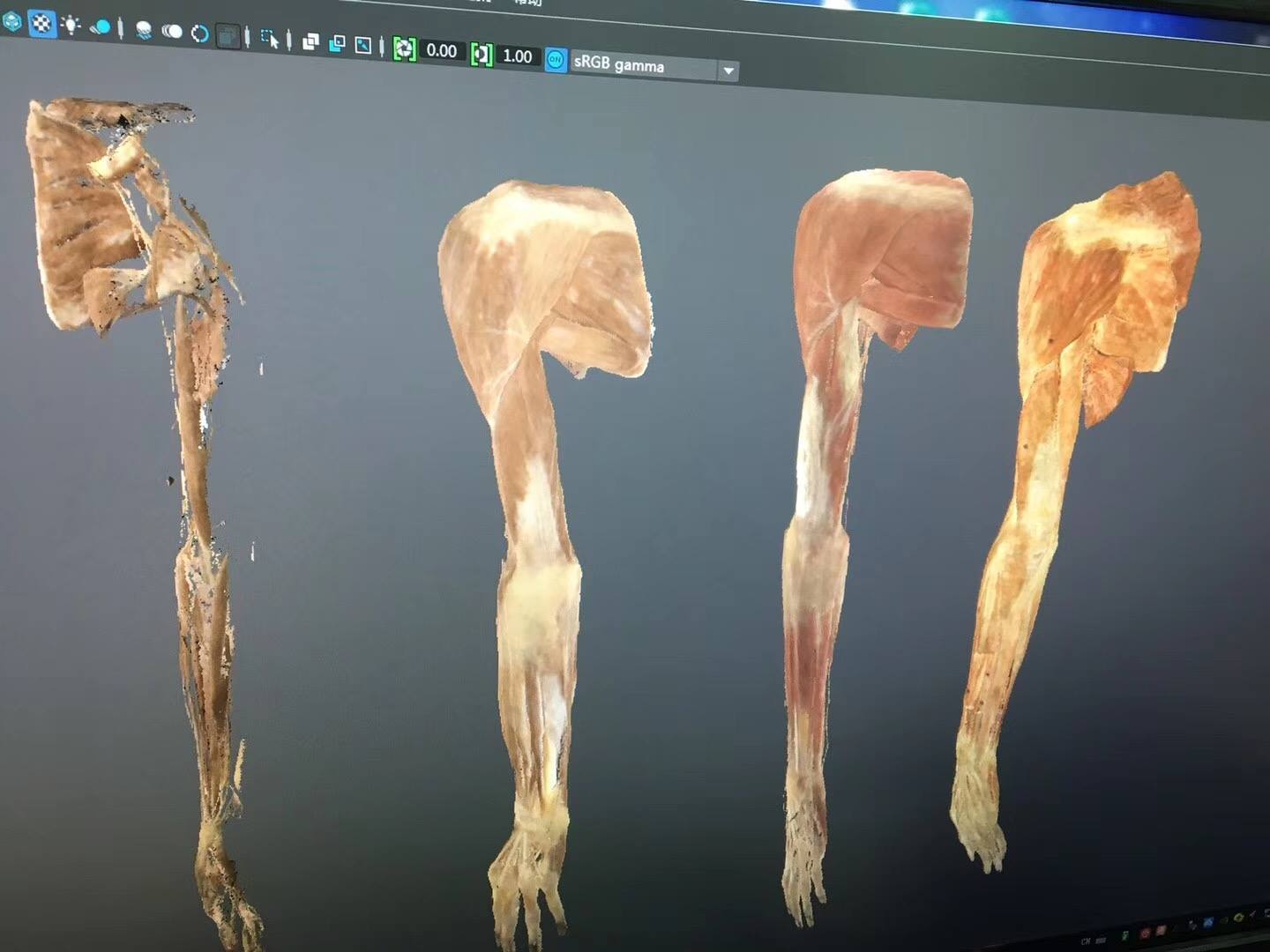
Anatomy requires students to see the three-dimensional structure of bones, organs and tissue. Real specimens such as human bones and prepared samples are often limited, fragile and can’t be handed out for each student to take home. A 3D scanner digitizes these specimens into digital models that can be viewed on a computer, zoomed, sectioned or 3D printed as multiple copies for teaching.
Common applications:
- Digitizing bones, skulls and anatomical specimens to build a 3D teaching library.
- 3D printing copies of bone models for students to practice on without risking the originals.
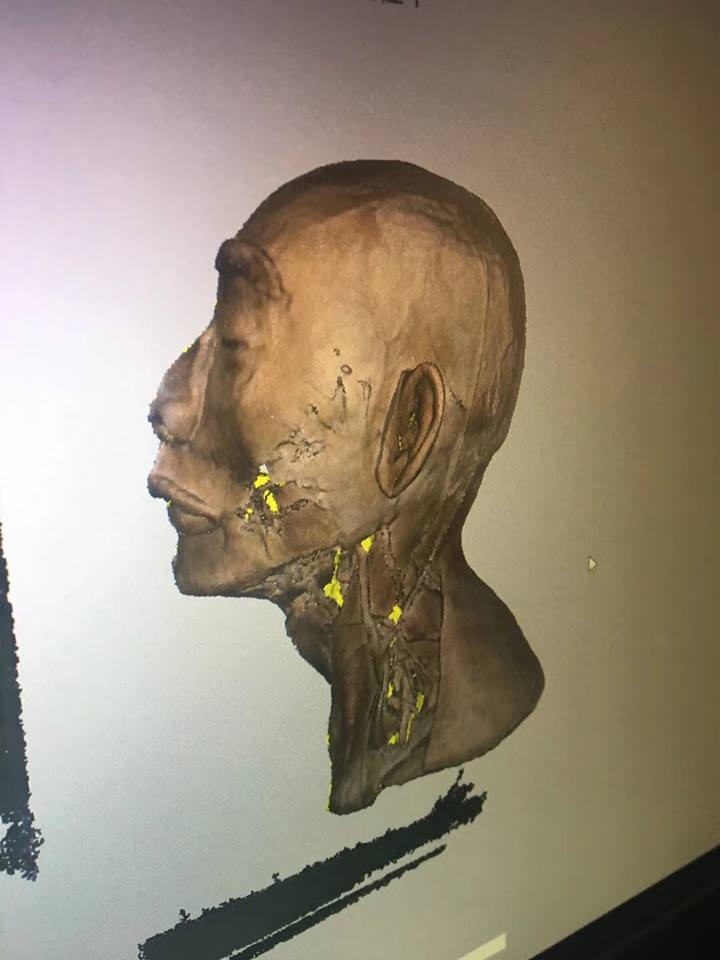
- Scanning faces and limbs for anthropometric research and personalized medical device design.
- Making enlarged models of small structures such as ear bones and teeth so they are easier to study.
- Combining with virtual reality so students can interact with models on screen.
Tips for scanning biomedical specimens
Bone specimens and prepared samples often have many holes, gaps and inner surfaces that are hard to reach, so you need to scan from many angles and may need a turntable to capture complete data. Dry bone surfaces usually scan fairly easily, but preserved or wet, shiny specimens need to be dried or coated with matte powder. When scanning real people (faces, hands), choose a device with eye-safe light and work quickly, because it is hard for a person to stay still for long.
Also keep ethics and privacy in mind: human biological specimens and facial data should be managed according to the institution’s rules and used only for study and research.
From digital data to learning models
After processing, models can be 3D printed in FDM plastic at low cost or in resin for sharp detail. For models that need to show several different structures, you can print the parts separately in multiple colors and assemble them, which makes it easier for students to tell anatomical regions apart.
Schools and training centers that need to digitize specimens can check out CT3D’s 3D scanning service, or call Hotline/Zalo 0975 008 728 for advice on scanning and model printing.
Frequently asked questions
Do 3D-printed bone models look like real specimens?
In shape, they are very close if the scan data is good, and students can see all the processes, grooves and foramina. However, plastic doesn’t have the feel or weight of real bone, so 3D-printed models are usually a supplement rather than a full replacement for real specimens.
Is 3D scanning a person’s face safe?
Scanners that use white light or ordinary structured light are considered safe when used as directed. With laser scanners, choose an eye-safe class and avoid shining the laser directly into the subject’s eyes.
Should a school invest in a 3D scanner for its lab?
If the school needs to digitize specimens regularly and wants students to get hands-on with the technology, investing makes sense. If it only needs to digitize an initial set of specimens, hiring a scanning service and then printing models is cheaper.
What software can open 3D anatomical specimen data?
The data is usually exported as STL, OBJ or PLY, which open in almost all 3D viewers, 3D printing software and many VR platforms. This makes it easy for instructors to share models with students on their computers.
Related services at CT3D Group
- 3D scanning service – high-accuracy 3D scanning
- On-demand 3D printing service
- Custom 3D design service
- CT3D Group network: ct3dgroup.com · in3d.edu.vn – Hotline/Zalo 0975 008 728

