
 Tiếng Việt


Einscan SP – 3D scanner for schools:
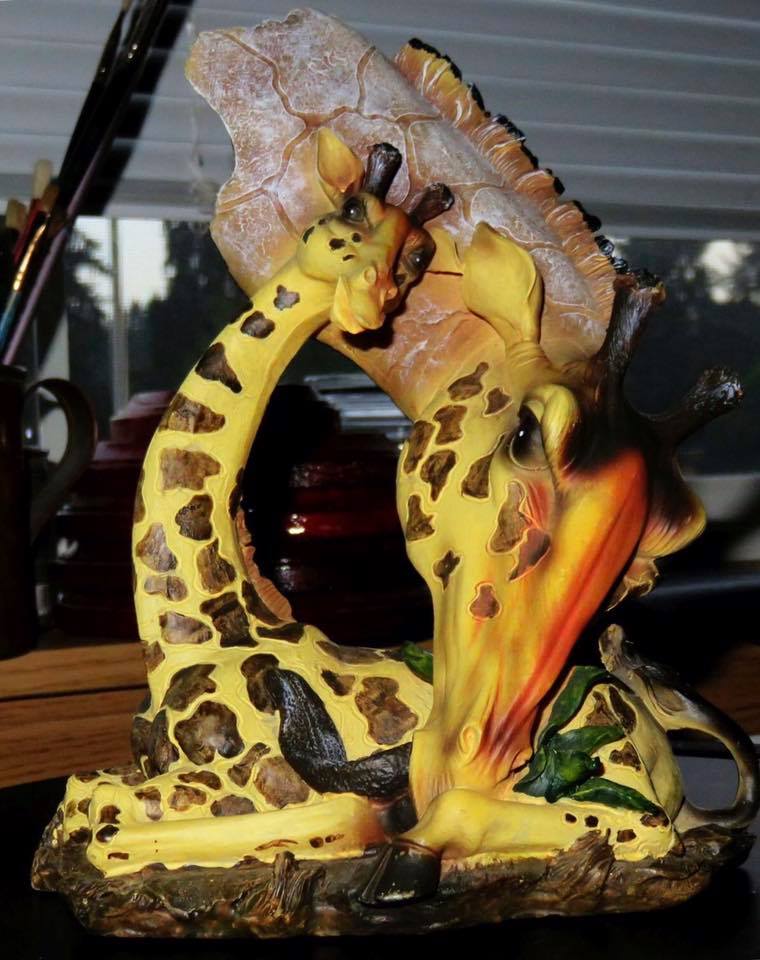
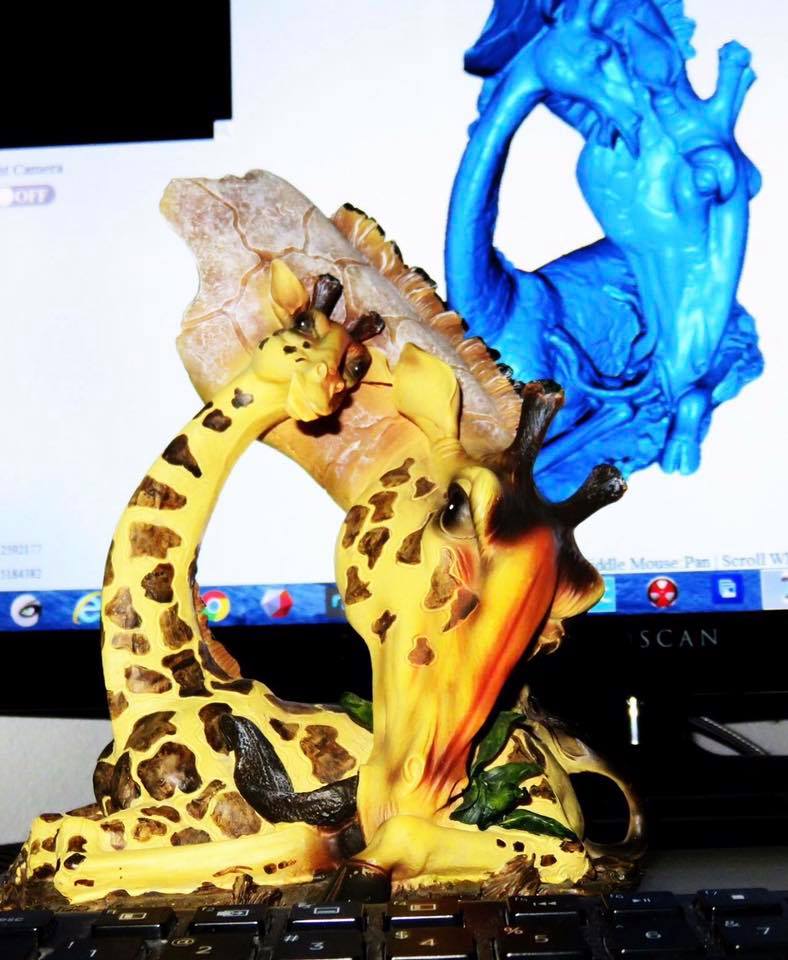
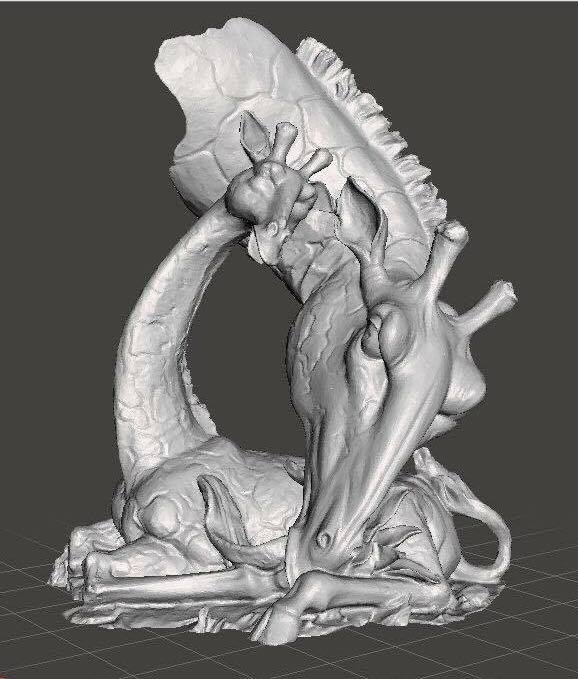
Einscan SP – 3D scanner for labs:
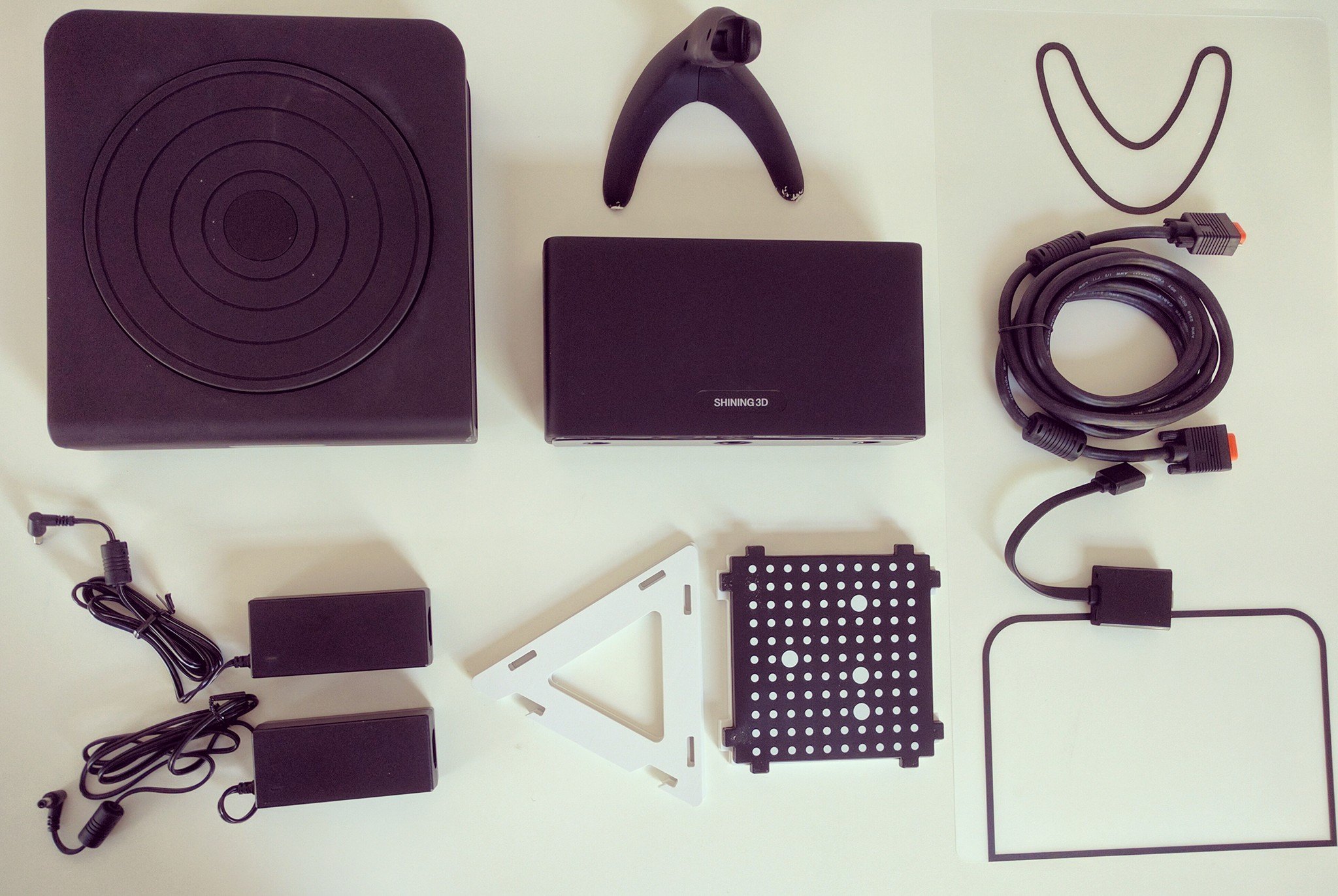

Appendix:
3D printers:
| 3D printing | 3D printing service | Contract 3D printing | 3D printing in Ho Chi Minh City |
| 3D printers | Low-cost 3D printers | Korean 3D printers | American 3D printers |
| Taiwan 3D printers | Taiwanese 3D printers | Chinese 3D printers | 3D printers for schools |
3D scanners:
| 3D scanning | 3D digitizing | 3D scanning machines | 3D scanners |
| 3D scanning in Ho Chi Minh City | 3D digitizing in Ho Chi Minh City | 3D scanning machines in Ho Chi Minh City | 3D scanners in Ho Chi Minh City |
| low-cost 3D scanning machines | low-cost 3D scanners | low-cost 3D scanning | low-cost 3D digitizing |
| imported 3D scanning machines | imported scanners | imported 3D scanning machines | imported 3D scanners |
| Chinese 3D scanners | Chinese 3D scanning machines | German 3D scanning machines | German 3D scanners |
| American 3D scanners | American 3D scanning machines | Russian 3D scanning machines | Russian 3D scanners |
| einscan 3D scanners | einscan 3D scanning machines | optimscan 3D scanners | optimscan 3D scanning machines |
| optim 3D scanners | optim 3D scanning machines | eascan 3D scanners | eascan 3D scanning machines |
| free scan 3D scanners | free scan 3D scanning machines | roboscan 3D scanners | roboscan 3D scanning machines |
| automatic 3D scanners | automatic 3D scanning machines | handheld 3D scanning machines | handheld 3D scanners |
Mechanical measuring equipment:
| CMM | CMM measuring machine | ||
| measuring equipment | optical comparator | ||
| mechanical measuring equipment | mechanical measuring tools | ||
| industrial measuring equipment | mechanical gauges |
CNC machining centers:
| machining centers | CNC machining centers | 3-axis CNC machines | 4-axis CNC machines |
| 5-axis CNC machines | CNC milling machines | CNC lathes |
CAD-CAM-CAE software:
| SolidWorks licenses | bobcad licenses | bobcam licenses | bobcadcam |
| CNC programming software | 2D CAD software | 3D CAD software | CAM software |
| reverse engineering software | machining software | CNC machining software | CAE software |
| simulation software |
Mechanical design services:
| reverse engineering | 3D file processing | scan file processing | 3D data processing |
| scan data processing | 3D file processing service | reverse engineering service | mold design service |
Contact CT3D Group
CT3D Group – Professional 3D printing, 3D scanning, design and rapid prototyping services nationwide.
- CT3D Thu Duc – Ho Chi Minh City, Hanoi, Hai Phong: in3d.edu.vn – Hotline 0975 008 728 (Mr. Thai)
- CT3D District 6 – Ho Chi Minh City: 3dmaker.vn – Hotline 038 7798308 (Mr. Phuc)
How does a desktop 3D scanner work?
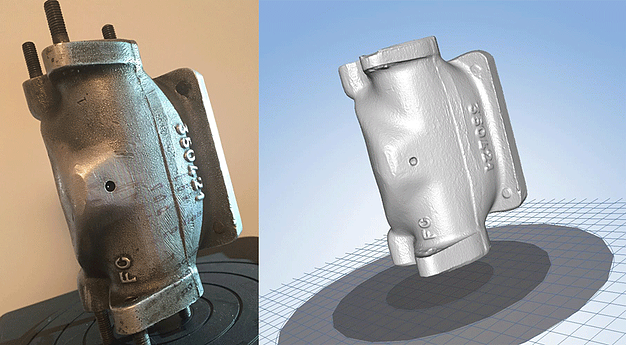
Most desktop 3D scanners used in labs and schools work on the structured light principle. The projector casts a series of light patterns onto the object, the camera records how the patterns bend over the surface, and the software calculates the 3D coordinates of each point. The object sits on an automatic turntable, the scanner captures a shot at each rotation step, and finally all shots are merged into a complete model.
The advantage is simple operation, consistent results and little dependence on operator skill. The trade-off is that object size is usually limited by the camera’s field of view and the turntable size, so it suits small to medium objects best.
Uses of 3D scanners in labs and teaching
- Mechanical engineering: students scan machine parts, then practice reverse engineering and compare the CAD model with the real part.
- Fine arts and architecture: digitizing statues and clay models to edit, rescale or 3D print again.
- Archaeology and museum studies: archiving the shape of small artifacts and making replicas for display and teaching.
- Biology and medicine: scanning specimens and anatomical models to create digital learning materials.
- K-12 STEM: helping students understand coordinates, triangle meshes and the process from real object to digital model.
How to choose a 3D scanner for a school
| Criterion | Why it matters |
|---|---|
| Easy software with an automatic mode | Non-specialist teachers and students can still use it |
| Eye safety | Prefer white light or another light source that is safe in a classroom |
| Common export formats (STL, OBJ) | Works easily with existing 3D printers and CAD software |
| Technical support and documentation | Keeps the equipment running across many courses |
| Expandability | Can switch to handheld scanning when larger objects need scanning |
Schools setting up a lab can start by hiring a 3D scanning service for student projects and research to pin down their needs before buying equipment. Contact CT3D via Hotline/Zalo 0975 008 728 for advice.
Frequently asked questions
How large an object can a desktop 3D scanner handle?
Usually small to medium objects that fit on the turntable and inside the camera’s field of view. Larger objects can be scanned in sections in fixed mode and then merged, but this takes longer than with a handheld scanner.
Can high school students use a 3D scanner?
Yes, if the scanner has an automatic mode and intuitive software. Students just place the object on the turntable, choose a mode and wait for the scan. Teachers should also guide them through cleanup and file export.
Is the light from a 3D scanner safe for the eyes?
White light scanners use a light source similar to a projector and are generally safe in normal use. Still, avoid looking directly into the light for long, especially for young children.
Can scan data be 3D printed directly?
Yes, after filling holes and closing the mesh. Many scanners’ software includes a watertight mesh function so you can export an STL for 3D printing right away.
Related services at CT3D Group
- 3D scanning service – high-accuracy 3D scanning
- Custom 3D printing service
- Custom 3D design service
- CT3D Group network: ct3dgroup.com · in3d.edu.vn – Hotline/Zalo 0975 008 728

