
 Tiếng Việt


Most customers who bring a part to our shop for reverse engineering do not bring a part in good shape. It is usually a plastic gear missing three teeth, a lever snapped in two, a bushing worn off-center, or a gearbox cover that has cracked and warped from heat. The machine is out of production, the maker no longer sells spare parts, and nobody kept the drawings.
If you just 3D scan it and export a file to print, you will print the same broken part: teeth still worn, holes still oversized, faces still warped. What you need are the dimensions the part had when it was new, in other words the original design intent. This article shares how people in the trade recover original dimensions when the sample is no longer intact, from receiving the broken pieces to having a CAD file and a test part that fits the machine.
If you are new to reverse engineering, read our reverse engineering service process and checklist first. The article below focuses only on damaged parts.

Why damaged parts are harder than good ones
With a part in new condition, the scan data is almost the answer. You just rebuild the planes, cylinders and fillets to match the point cloud, and most of the job is done.
Damaged parts are different. The scan data is evidence of an object that has changed. There are three common kinds of change:
First, lost material. The part has a broken corner, chipped teeth or a broken screw lug. That section is no longer there to scan.
Second, wear. Working surfaces such as gear teeth, bushing bores and slide grooves are worn down by a few tenths of a mm, sometimes a full mm. The measured size is smaller or larger than the original depending on whether it is an outer surface or a hole.
Third, deformation. Plastic warps from heat, thin metal dents from impact, long parts twist. The overall shape is still there but no longer correct.
Wikipedia’s description of reverse engineering in mechanical engineering puts it clearly: raw measurement data is just a set of points and does not contain design intent. The reverse engineer’s job is to recognize which surface is a plane and which is a cylinder, then rebuild them into an editable solid CAD model. With a damaged part, this “recognizing” step matters twice as much, because the data is lying in several places.
Step 1: Receive the part and ask enough questions
Before you turn on the scanner, ask the customer a few questions. It sounds simple, but skip it and you will redo the work.
Where does the part fit, and what does it mate with? If possible, ask the customer to bring the mating part too: the shaft that goes with the bushing, the meshing gear, the housing the cover sits on. This is the most valuable data source, and we cover it in detail below.
Why did the part fail? Overload, fatigue, plastic aging or wrong assembly? If you do not know the cause and copy it exactly, it will break in the same spot a few months later.
Does the machine have an identical part? Many machines have mirrored left and right sides, or a second good part on another machine of the same model. One good part is worth more than ten broken ones.
Are there any documents: a catalog, a part number, photos from when it was new, labels on the part? Codes printed on bearings, seals and standard gears can save a whole morning of measuring.
Step 2: Join broken pieces at the scan stage
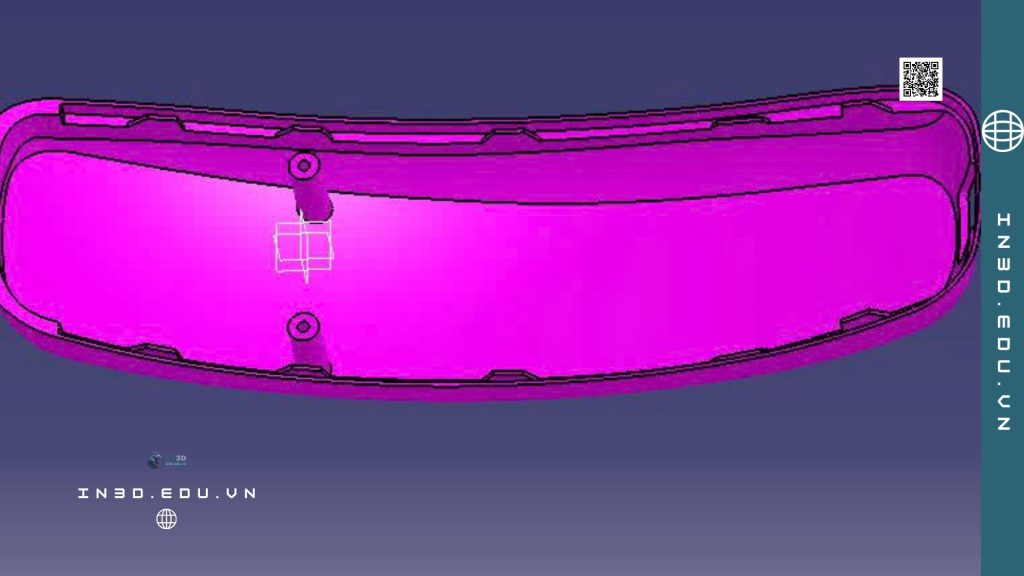
If a part is broken into two or three pieces, do not glue it back together before scanning. The glue layer has thickness, glued pieces easily shift by a small angle, and one degree off at one end can become several mm off at the other end of a long lever.
In our shop we scan each piece separately, on every side, including the fracture faces. Then we join the pieces in software. The fracture faces of two pieces fit together like jigsaw pieces, and scan processing software has alignment tools based on common points or best fit to put them back together.
Some tips for joining:
Brittle fractures (rigid plastic, cast iron) usually match very well because there is little deformation. Ductile fractures (aluminum, PP, flexible plastics) are often stretched, so the two edges no longer match. In that case, align on intact functional surfaces such as the base face or screw holes instead of the fracture faces.
If possible, put a few markers on both pieces near the break line before scanning. After joining, check whether the distances between the markers make sense.
Black, glossy or transparent parts are harder to scan and usually need a thin matte powder coating. We have a separate article on handling each surface type: 3D scanning glossy, transparent and black objects.
Step 3: Use mirror symmetry to fill in missing sections
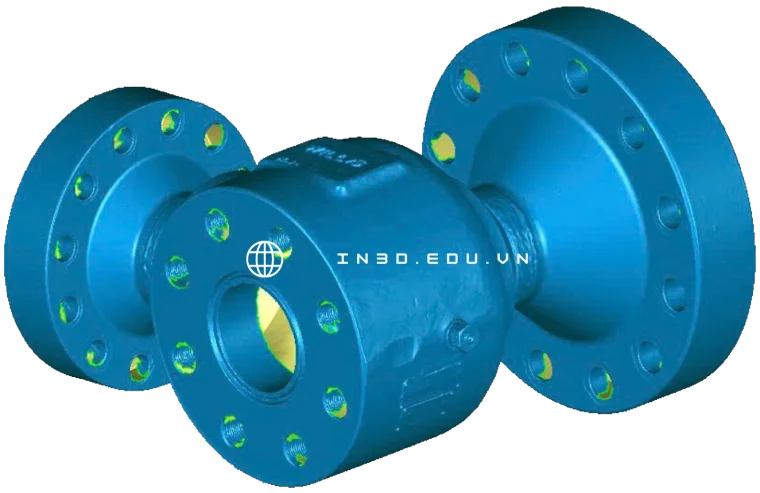
Many mechanical parts are symmetric: two-sided levers, bearing blocks, flanges, housings. When one half is broken, the other half is the design.
How to do it: build the plane of symmetry from features you can still trust, for example the centers of two screw holes or the mid-plane of a rib. Then mirror the good half across this plane and overlay it on the damaged section to see how far off it is.
Be careful about two things. First, do not assume the part is fully symmetric. Many parts look symmetric but have an offset hole, an extra rib or a locating boss on only one side. Compare carefully with the remaining section before mirroring. Second, build the plane of symmetry from functional features, not from the general shape. A plane off by 0.2 mm puts the whole part off by 0.4 mm.
For parts with circular repetition such as gears, fan blades or multi-hole flanges, use a circular pattern instead of a mirror. Pick the best-preserved tooth or blade, model it properly, then pattern it to the full count. Do not model each tooth from the scan data, because each tooth wears differently.
Step 4: Compensate for wear using the mating part
This is the step people skip most often. A worn surface always has a “witness”: the part it touches.
Example: a bushing with a worn, oversized bore. Measuring the bore gives the wrong size. But the shaft that runs in the bushing is usually harder steel and wears much less. Measure the shaft diameter in a non-working area (outside the contact zone with the bushing) and you get close to the nominal size. From that, the original bore equals the shaft diameter plus a suitable clearance for that type of fit.
Example: a worn slide groove. The slider that runs in the groove is narrower than the groove by one clearance. Measure the slider, add the clearance, and you have the groove width.
Example: a warped cover. The housing the cover sits on is usually stiffer and warps less. Scan the housing and use its mating face and screw hole positions as the reference for the cover.
General rule: when two parts touch, the harder, less-worn part is the more reliable source of dimensions. And the non-working areas of a part (shaft ends, faces outside the contact zone) usually keep their original size better than the working areas.
Do not guess the fit clearance by feel. Base it on function: a clearance fit for rotating or sliding parts, a transition fit for locating parts and an interference fit for press-fit parts. Our article on reverse engineering molds explains the difference between functional and free dimensions, and the same applies to damaged parts.
Step 5: Look up standard sizes instead of trusting the measurement
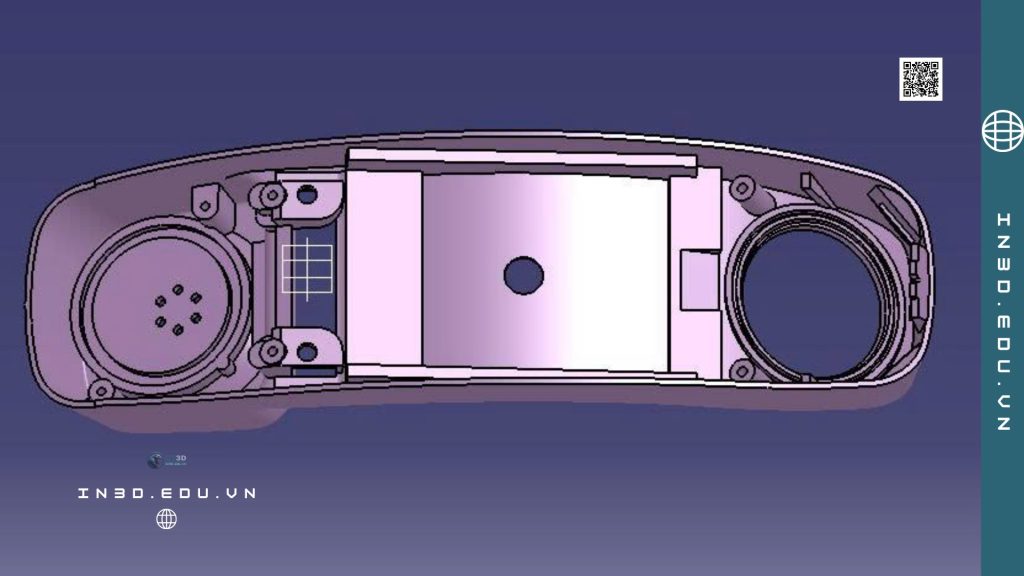
A veteran engineer once told me: “If you measure 19.87, it’s almost certainly 20.” Mechanical parts are designed by people, and people like round numbers and standards. When a measured size is very close to a standard value, doubt the measurement first and the standard second.
Threads
ISO metric threads are marked M plus the nominal outer diameter in mm, so M6 is 6 mm in diameter. Each diameter has a default coarse pitch and a few fine pitches. According to the ISO thread table, M6 has a 1 mm coarse pitch, M8 1.25 mm and M10 1.5 mm. The thread angle is 60 degrees.
So when you find a stripped threaded hole, do not scan the thread. Measure the major diameter of the matching screw, check the pitch with a thread gauge or calipers, and look it up in the table. In CAD, just model the hole at the correct drill size and attach the thread data. If it is an inch thread (UNC, UNF) or a pipe thread (BSP, NPT), the pitch will not match the metric table, which tells you to check a different table.
Gears
Gears are the clearest example of “don’t scan, calculate.” Worn teeth no longer have the right profile. But a standard gear is defined by a few parameters: module (m), number of teeth (z) and pressure angle.
Module is the pitch diameter divided by the number of teeth. A gear with a 40 mm pitch diameter and 20 teeth has a module of 2. The preferred module series includes values such as 1, 1.25, 1.5, 2, 2.5, 3, 4, 5, 6, 8 and 10. For a standard spur gear, the tip diameter is usually m times (z + 2). In practice: count the teeth, measure the tip diameter where the teeth are least worn, divide by (z + 2), and the result usually lands very close to a standard module. The most common pressure angle today is 20 degrees, but older machines may use 14.5 degrees, so check against the meshing gear too.
With the module, tooth count and pressure angle, CAD software generates a standard involute profile automatically. Only then compare it with the scan data to check face width, hub and keyway.
Bearings, seals, pins
Rolling bearings have standard designations. For a 6204-type bearing, the last two digits times 5 give the bore diameter, 20 mm. The exceptions are 00, 01, 02 and 03, which mean 10, 12, 15 and 17 mm. If your part is a bearing block or bearing housing, read the code on the bearing and you get the outer diameter, bore and width straight from the maker’s catalog. The bearing seat on the part must follow this outer diameter plus the fit tolerance, not the measurement of the worn bore.
The same goes for dowel pins, circlips, oil seals and hex screws. Their sizes are in catalogs, and measuring is only for confirmation.
Step 6: Combine calipers, CMM and scanning
3D scanning captures the overall shape very fast, especially freeform curved surfaces. But for small holes, hole center distances and the flatness of mating faces, calipers, micrometers, dial indicators or a CMM are usually more reliable.
Wikipedia describes a CMM as a machine that measures by touching a probe to points on a surface and recording their X, Y, Z coordinates. With a touch probe, repeatability can reach the micron level, and machines are verified to the ISO 10360 series of standards. Non-contact scanning with laser or structured light, on the other hand, captures thousands of points very quickly and suits freeform surfaces and reverse engineering.
A common way to combine them:
Scan everything to get the shape and the relative positions of features. Use calipers, micrometers or a CMM to re-measure the critical sizes: fit diameters, hole center distances, flange thickness. When hand measurements and scan measurements disagree, trust contact measurement for functional dimensions and the scan for freeform surfaces.
To learn more about the error of each scanner type, see our articles on 3D scanning accuracy and 3D inspection with scanners and CMMs.

Step 7: Handle warped parts
Long, thin plastic parts that have been exposed to heat for years often warp. There are two ways to deal with this.
The first is to “straighten” it in software. Build the planes and cylinders to match the design intent, and use the scan data only for local dimensions (wall thickness, rib height, fillet radius). The result is a part as straight as when it was new.
The second is to take the reference from the mating part, as described in step 4. For a warped cover, use the housing’s mating face. For a bent guide rail, use the positions of the mounting holes on the machine frame.
Do not try to “straighten” the mesh with deform tools and export an STL, because you lose control of the dimensions. The mesh should only be a reference. The final product is a solid CAD model. Our article on how STL and CAD files differ explains this in detail.

Step 8: Fix the weak point while you have the file
A part that has broken once means the original design or material had a problem in that spot, at least under the conditions the machine runs in. When you remake it, improve it too, as long as the fit is not affected.
Some common improvements: increase the fillet radius at inside corners where cracks started (sharp corners concentrate stress), add stiffening ribs to screw lugs, thicken walls in load-bearing areas, and replace threads tapped directly into plastic with brass threaded inserts.
Record these improvements and tell the customer, because the new part will not be identical to the old one.
Step 9: Choose a replacement material
You cannot always remake a part in the original material. POM, glass-filled PA66, brass and gray cast iron each need their own manufacturing process.
For a test part to check fit, plastic 3D printing is the fastest and cheapest. For a part that will actually be used, look at the working conditions: temperature, oil and grease, impact and load. Some common options:
Engineering plastic parts with moderate load and wear can be 3D printed in nylon PA12 with MJF, for example our MJP/MJF PA12 3D printing service. Small, complex metal parts can be printed with SLM in stainless steel or aluminum. Parts that need high accuracy and good mating surfaces should be CNC machined from stock; see CT3D’s CNC machining service. Heavily loaded gears should still be cut on traditional gear cutting machines, with the CAD file only as the input.
A quick comparison of printing technologies is in our article comparing SLA, FDM, SLS and SLM 3D printing. For what tolerances 3D printing can reach, the article on 3D printing accuracy and tolerances on ct3dgroup.com goes into detail.

Step 10: Print a test part, test the fit, then make the real one
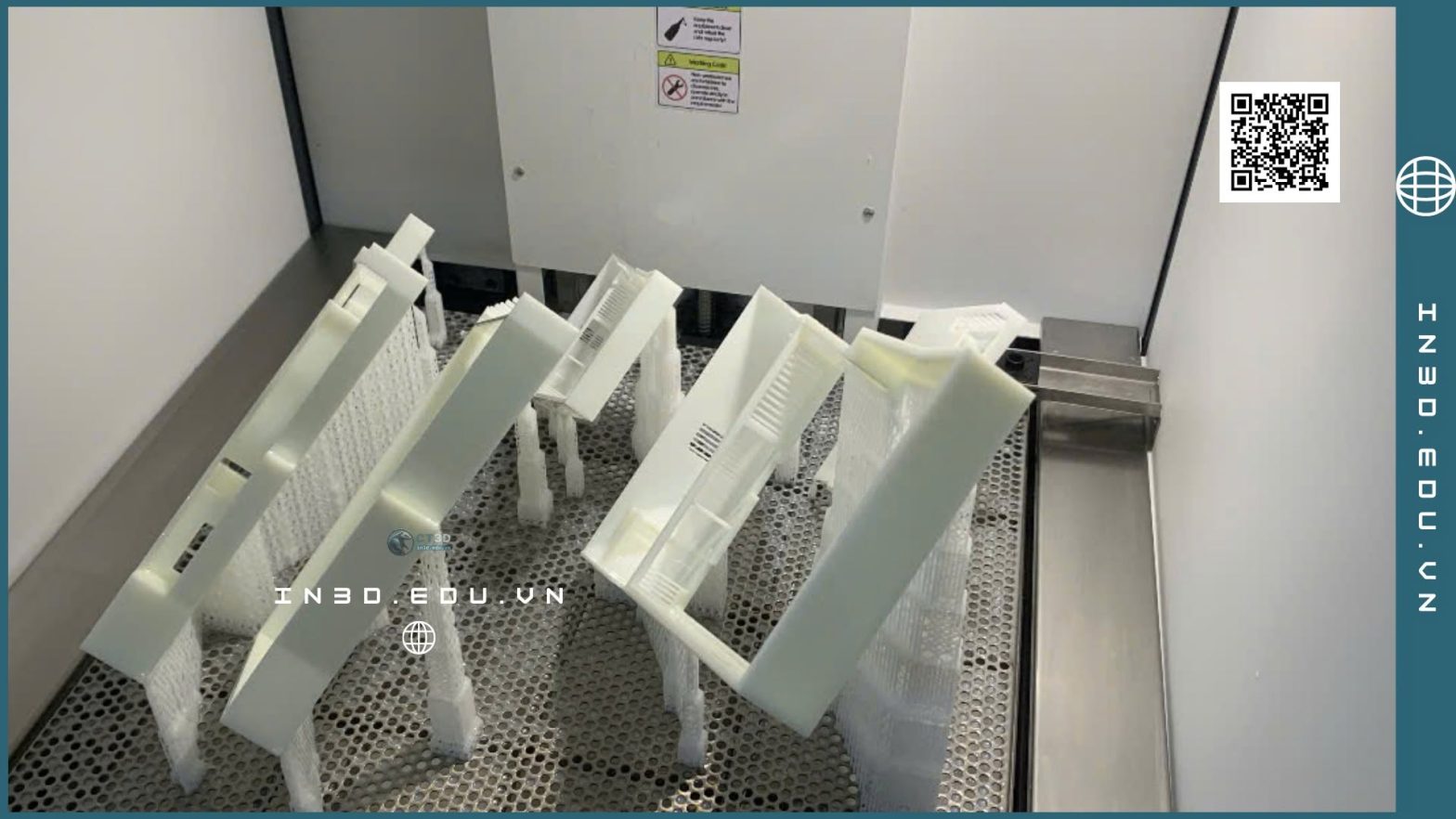
Never make a metal part on the first try for a part recovered from a damaged sample. Print a cheap plastic version first and take it to the machine for a test fit. Check whether the hole goes onto the shaft, whether the gears mesh smoothly and whether the screws go in.
A test print often reveals mistakes you cannot see on screen: a hole placed on the wrong side during mirroring, a clearance that is too tight, a rib that hits the part next to it. Fix the file and reprint. It costs one or two extra days but saves you from scrapping an expensive CNC part.
Before printing, the file must be free of errors. If you export an STL from CAD and get errors when printing, see our article on fixing STL file errors before 3D printing.
Common mistakes
Trusting the scan file completely. This is the most common mistake. The scan file of a worn part is a file of a worn part.
Modeling a gear by following the scanned profile. The result is a non-standard gear that runs noisy and wears faster than the old one.
Not asking for the mating part. You lose the best data source for compensating wear.
Making it in the final material on the first try. One wrong hole and the whole part is scrap.
Not recording your assumptions. When you decide that a hole measured at 19.87 mm is really 20 mm H7, write it down. If something is wrong later, you will know where it came from.
When to hire a service
If your shop has a scanner, someone skilled in CAD and measuring tools, you can handle many simple cases yourself. For parts with many freeform surfaces, non-standard gears, large parts that need on-site scanning, or when you need both the test part and the final part, hiring a provider with the full workflow is faster.
CT3D offers a reverse engineering service from physical parts or scan data, along with a 3D scanning service and the downstream 3D printing, CNC and mold making steps. Our article on reverse engineering spare parts has more examples of machine parts, and a reference price table is in the article on reverse engineering service pricing.
Frequently asked questions
Can a part broken into many small pieces be remade?
Yes, if enough pieces remain to recognize the shape and functional surfaces. Each piece is scanned separately and then joined in software. Any piece that is completely lost is filled in with symmetry, a circular pattern or data from the mating part.
What if the gear teeth are almost completely worn?
Count the teeth, and measure the tip diameter where wear is lowest and the center distance to the meshing gear. From these, calculate the module and check it against the standard module series. If the meshing gear is still in good shape, it is even easier.
Do I need to bring the whole machine assembly?
Not necessarily, but bringing the mating part makes the result much more accurate. For large assemblies that cannot be taken apart, we can scan on site.
What files do I get?
Usually a CAD file in STEP or the native software format (for example SolidWorks), plus an STL if 3D printing is needed. A 2D drawing with tolerances for the fit dimensions can be included.
Will the remade part be as strong as the old one?
It depends on the material and manufacturing process. In many cases it is stronger because the weak point that caused the failure has been fixed. Make a test part and run it before ordering in quantity.
Do you have a broken or worn part and cannot find a replacement? Take photos from a few angles, note which machine it fits, and send them via Zalo 0975 008 728 so a CT3D engineer can review it and advise on the approach.
References
- Wikipedia, “Reverse engineering”, section on mechanical engineering applications: https://en.wikipedia.org/wiki/Reverse_engineering
- Wikipedia, “Coordinate-measuring machine”: https://en.wikipedia.org/wiki/Coordinate-measuring_machine
- Wikipedia, “ISO metric screw thread”: https://en.wikipedia.org/wiki/ISO_metric_screw_thread
- Wikipedia, “Gear”, definition of module and the preferred module series: https://en.wikipedia.org/wiki/Gear
- Wikipedia, “Rolling-element bearing”, ISO 15 designation conventions: https://en.wikipedia.org/wiki/Rolling-element_bearing

